
Instead of a PDF price list, a link your partner orders from.
Not a quote-request form. Partners tick what they want on their own personalised price list, book the dates that go with it, and leave with a contract ready to sign — no login, no sign-up, no back-and-forth emails.
WordPress plugin
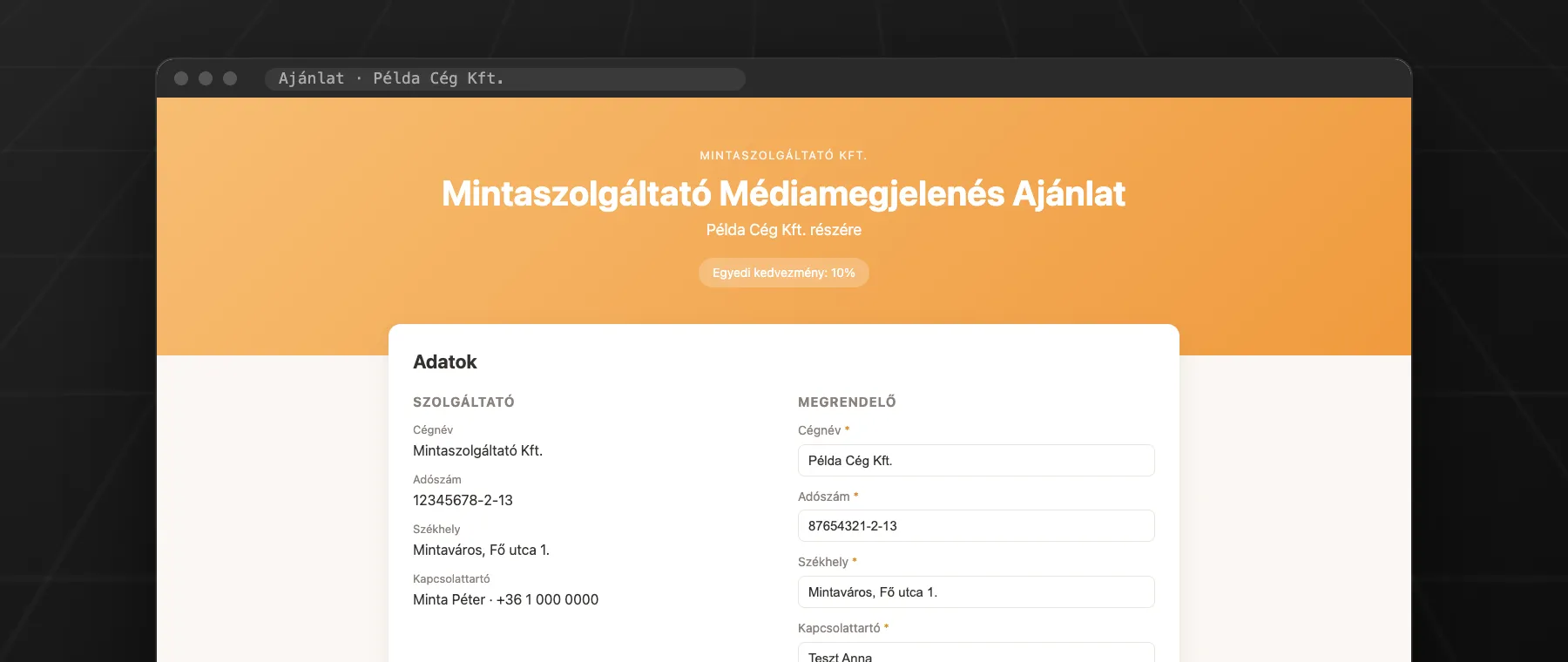
Sending offers used to take three systems
A PDF, an email thread and a spreadsheet in which someone keeps track of how many stands are left.
PDF + email + spreadsheet
The partner writes back what they want — in free text, incompletely.
Someone recalculates price, discount and VAT by hand.
Free weeks live in a spreadsheet; two salespeople promise the same one.
Creative files get lost as email attachments in the thread.
The contract is written by hand and is out of date by the time it is signed.
A link that is the order form
The partner ticks what they want and sees what it costs.
Calculation happens on the server — not in someone’s head, not in Excel.
The same week cannot be sold twice — the system does not allow it.
Files stay attached to the order, in protected storage.
The contract is generated the moment the order is submitted, as a PDF.
From putting it together to signing
You put it together
Tick what goes into this offer from the service catalogue, enter the partner’s discount and get their link. Minutes, not an hour.
The partner fills it in
They order on their own link: quantities, questions, dates chosen from a calendar, uploaded creative files. The total updates with every keystroke.
The contract is ready
Submitting records the order, reserves the dates and generates a PDF contract ready to sign — both sides get an email about it.
Not a form. A sales tool.
A separate offer per partner
Separate line items, separate discount, even a custom price per item. Each partner only sees their own.
A unique link, no login
No sign-up, no forgotten passwords. Knowing the link is the permission — and the partner’s archive lives on it too.
Weekly and daily availability
Week cards or a month calendar with free / booked / closed states. Full periods cannot be selected.
Questions per service
Five question types with conditional branches: “need power?” → yes → “how many kW?”. No code, set up in the admin.
Protected file upload
PDF, JPG, PNG, DOCX, PPTX, up to 20 MB. Content-checked, stored where no direct URL can reach it.
Server-side PDF contract
Every item, date and answer, ready to sign. Accents intact, exactly as submitted.
Four places where the naive solution loses money
The visible part can be clicked together in any form builder. These four cannot — and they decide whether the system can sell the same slot twice.
128
7
0
What it needs
See it in action
The manual walks through both sides — what the partner sees and what the admin does — with drawn screens and the reasoning behind each decision.