
Let customers withdraw online, too.
The amendment to Hungarian Government Decree 45/2014, in line with EU Directive 2023/2673, expects a webshop to let customers withdraw from a contract online, not only by e-mail or post. This add-on gives the customer a simple two-step form, with no account needed, records the statement, and notifies both sides.
WooCommerce plugin · OmniBit add-on
Let’s talk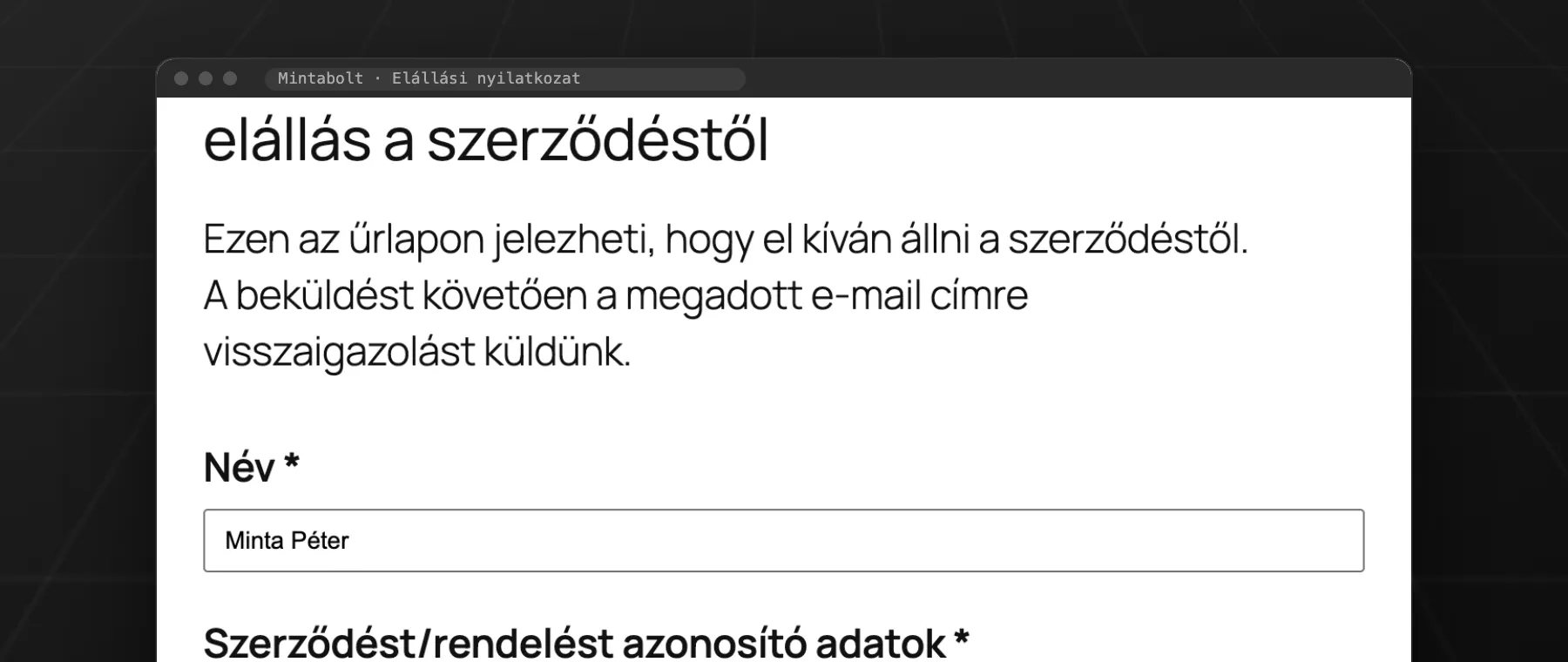
When a withdrawal hangs on a lost e-mail
Withdrawals are rare, but when one comes in it has to be handled exactly: who, when, and for which order.
How it goes now
Withdrawals arrive at a general e-mail address, among all the other mail.
The customer cannot tell whether the statement arrived.
Who said what and when has to be pieced together from the correspondence afterwards.
The message has to be tracked down separately for the order.
How it goes with this
The customer sends the statement on one page, in two steps, without logging in.
They get a confirmation by e-mail straight away, with the text of the statement and the time.
The shop is notified too, and the statement waits in a list.
If the details match an order, the statement is added to it as well.
From the click to the confirmation
The form
The customer enters their name, the contract or order details (an order number, an invoice number, anything that identifies it) and their e-mail address, then ticks that they wish to withdraw from the contract.
The review
They see the details once more on a separate page. They can go back and correct them, or finalise the withdrawal.
The confirmation
After finalising, we thank them for the statement, the customer receives its text by e-mail, and the shop gets a notification.
Four things that matter
As a guest, too
No account or login needed. The form is a public page that anyone who wants to withdraw can fill in.
Recorded, word for word
The name, the identifier, the e-mail address and the time of submission are stored together with the text of the statement, and can be opened from the list at any time.
Linked when it is certain
If the identifier is an order number and the e-mail address matches the one on that order, the statement is also added to the order’s notes. If it does not match, we do not guess.
To both sides
The customer gets a confirmation, and the shop a notification at the addresses you set — several are allowed — with a button that leads to the statement.
Small things that matter day to day
They don’t make the brochure, but they decide whether handling stays simple.
2
0
2
What it needs
Let’s look at your webshop
Tell us what kind of shop you run, and we will show how online withdrawal would fit in.