
The event is on your website, and the people signing up are on one list.
The details of a concert, a wine tasting or a workshop rarely fit into one Facebook post, and someone keeps the sign-ups in a spreadsheet. This plugin puts the event on your website with its date, venue and price, registration goes through your shop, and you see in one place who paid for what.
WooCommerce extension · OmniBit add-on
Let’s talk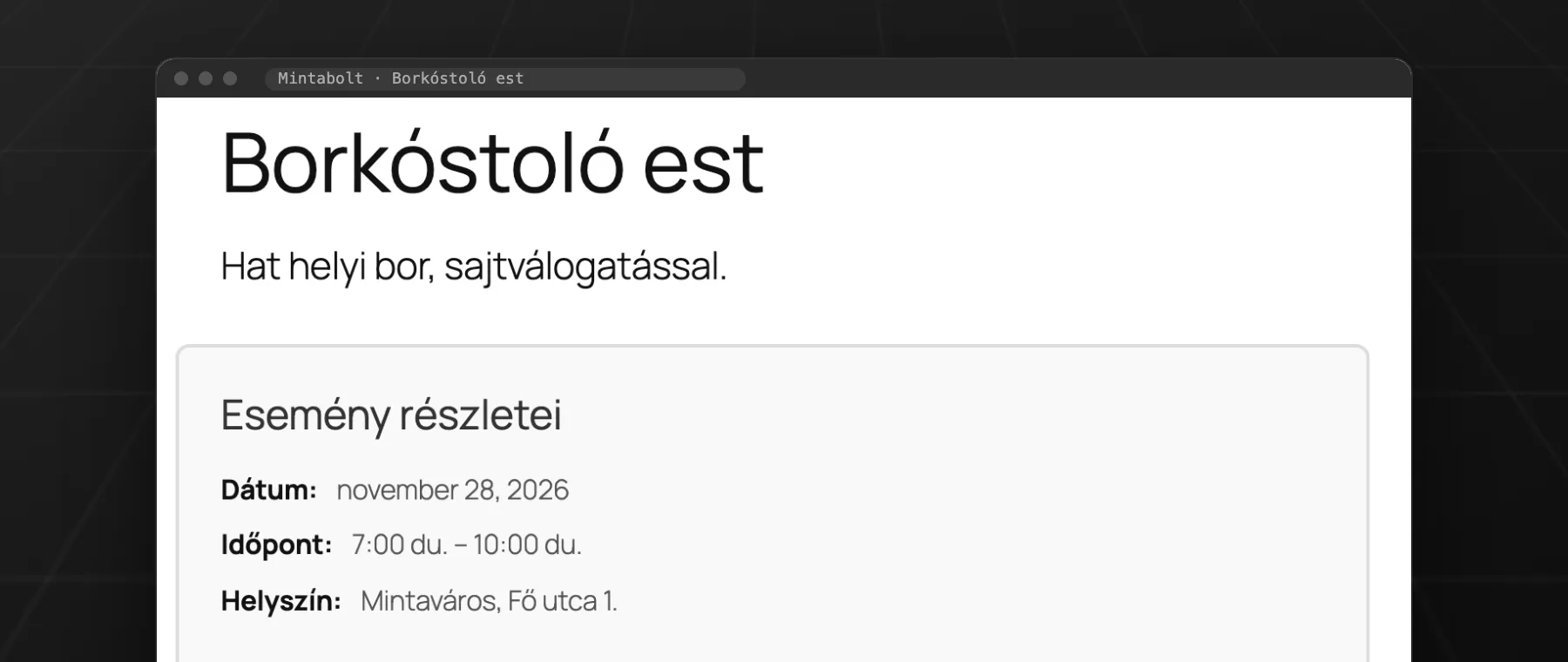
When the sign-ups live in a message, a spreadsheet and your head
Organising the event is work enough; keeping track of registrations should not be one more job.
How it works now
You write the event twice: once on Facebook, once on the website.
Registrations arrive by message, email or phone, and you count the headcount yourself.
If an event has several dates, each one needs its own entry.
Old events stay at the top of the list.
How it works with this
The event is written once, and you can even load it from your Facebook Page.
Registration happens in the shop: the guest picks a date and pays.
An event can have as many dates as you need, each with its own price and capacity.
Dates that have passed can no longer be booked, and past events move to the end of the list.
From the empty page to the full house
Create it
Enter the event’s name, description, picture and venue, then the start and end. If it has several dates, each one gets its own row.
Set a price
Switch on sales, enter the price and, if needed, the capacity. You can also offer extras alongside the ticket, such as a dinner or a wine package.
Publish it
A short code puts the event grid on any page. The guest picks a date, and checkout is your shop’s own.
Six things that matter on an event
Several dates per event
The same programme can run on several days or at several times. Each date can have its own day, venue, price and capacity.
Everything in one box
The event page shows the date, time, venue and price. When places run low it says “8 tickets remaining”, and when they are gone it says the event is sold out.
Optional add-ons
Next to the ticket the guest can tick further items, each with its own price and description. They all go into the order.
A grid for your events page
Events appear as cards with a picture, title, venue and date. You choose how many cards to show and in how many columns.
What the order carries
The date, time and venue show in the cart and on the order. The capacity goes down when the order is processed and comes back if it is cancelled.
Overview and CSV
Pick an event and a date and see the orders: who signed up, for how much, for how many. You can download all of it as a CSV file.
Small things that matter when you organise
They do not make the advert, but they decide whether your event list stays in order.
What it needs
Let’s look at your events
Tell us what kind of events you run, how many dates they have and how people pay, and we will show how it would fit.