
A gift voucher can be sold before the holidays, not only at the counter.
Anyone who wants to buy a voucher should not have to ask about your opening hours. This add-on sells vouchers in the web shop: at a fixed amount or an amount the buyer chooses — the finished voucher reaches them by e-mail, and on your side one list shows which ones have been redeemed.
WooCommerce extension · OmniBit add-on
Let’s talk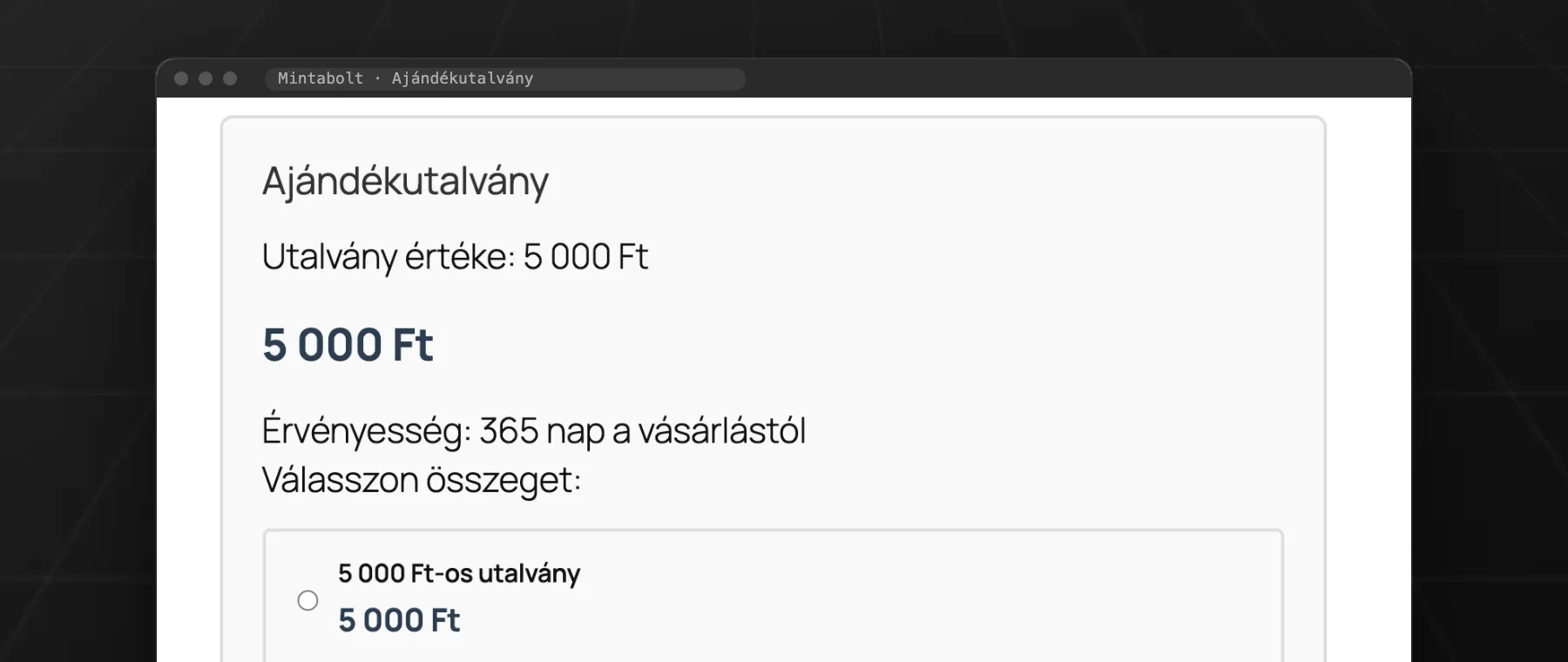
When the voucher is a scrap of paper in a drawer
A voucher is one of the best gifts, yet often the least tracked item.
How it goes now
Vouchers can only be bought in person or by phone, and before the holidays people queue for them.
Printed vouchers are written by hand, and the serial numbers are kept in a notebook.
Nobody can see how many vouchers are out there, and which ones have been used.
The buyer does not know how long the one they received stays valid.
How it goes with this
The voucher is bought in the web shop, at any hour, next to the other products.
The buyer receives the voucher code and its PDF by e-mail.
One list shows the vouchers sold, and you mark one when someone redeems it.
The validity is shown on the voucher and in the cart.
From launch to redemption
Create the voucher
You give it a title, a description and an image — the image becomes the background of the voucher. You set it to a fixed amount, or let the buyer choose.
The buyer purchases it
On the voucher’s page, with the usual cart and payment. Once the order is processing or complete, the code and the voucher PDF are created and sent by e-mail.
You keep track
On the Purchases screen you pick the voucher type, see what has been sold, and mark a voucher with one click when it is redeemed.
Six things that matter on a voucher
Fixed or chosen
One price, or several options each with its own name and value — say 10,000 and 20,000 HUF. Or the buyer types in the amount, within your limits.
Minimum, maximum and step
For a chosen amount you set the smallest and largest value and the step. The buyer sees a hint, and an amount outside the rule is not accepted by the cart.
In days, from purchase
You can set how many days a voucher stays valid. The buyer sees how long it can be used on the page and in the cart.
Something with the voucher
Other items can be sold with the voucher, each on its own line, even with its own tax rate — for example a drink pairing.
When it is for the menu
You can add a percentage on top of the voucher, for example for vouchers that apply to the menu.
In Hungarian too
The add-on comes with a Hungarian translation, and on a multilingual site the purchases list shows the translated versions in one place.
Small things that matter day to day
They don’t make the brochure, but they decide whether vouchers stay trackable.
What it needs
Let’s look at your own vouchers
Tell us which amounts and what validity you would offer, and we will show you how it would look in your web shop.