
One base. Add only what you need.
OmniBit is the shared base of SmartBits' WordPress and WooCommerce plugins. You install it once and manage every add-on from a single admin area: you load only what your website actually needs.
WordPress and WooCommerce core plugin
Let’s talk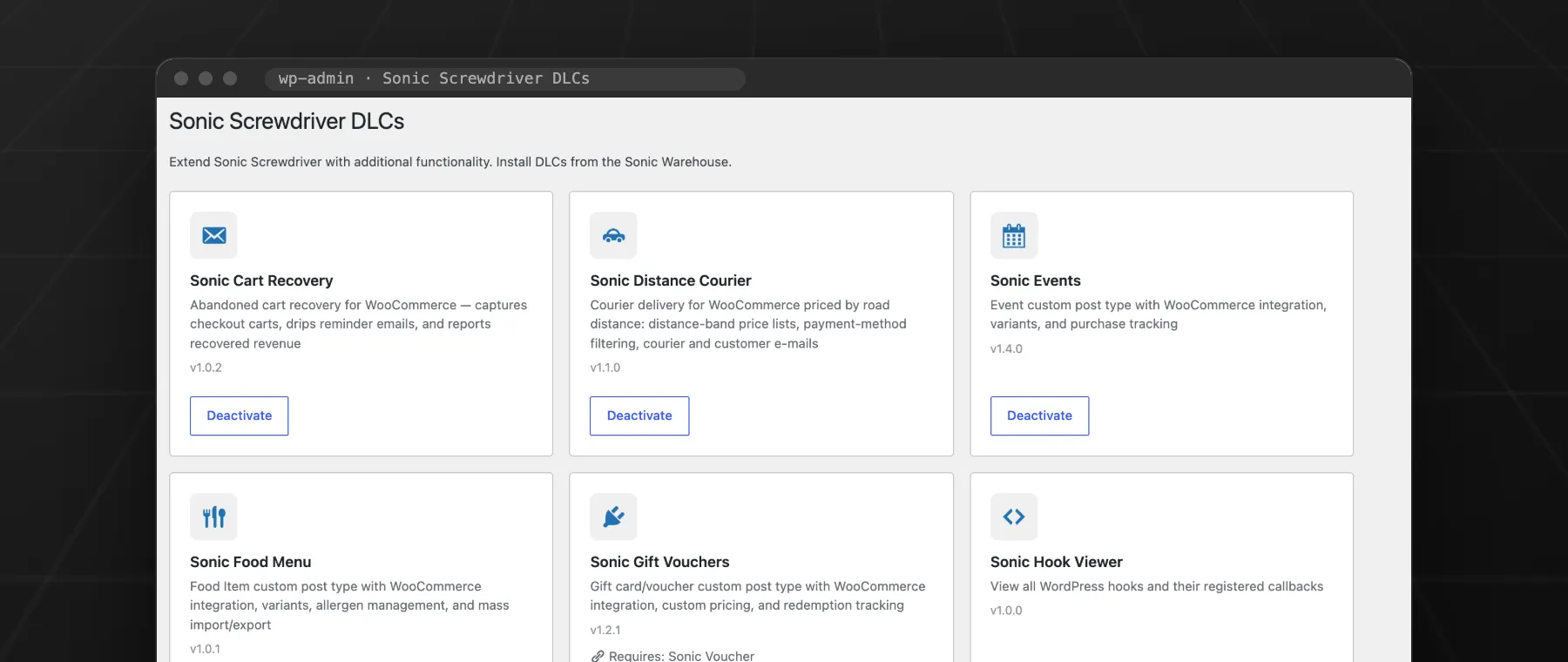
What is OmniBit?
Not just another plugin among many, but the base on which the others work in the same way.
One admin area
See in one place what is installed, what is running and what has an update. No hunting through ten menus of ten different plugins.
Add-ons one by one
You install the menu, cart recovery or warehouses separately, and only when needed. What you don’t install doesn’t weigh on the site.
Built-in features
The core also carries small, useful features that you switch on individually. Until then they stay invisible and change nothing.
Shared services
Sortable tables with CSV download, consistent e-mails styled from your shop colours, a Google Sheets connection, and field syncing across multilingual pages. Every add-on uses the same.
Consistent behaviour
Because add-ons share one base, they are managed the same way, look alike and don’t get in each other’s way.
Updates from one place
You install and update add-ons from the shared admin area, at the press of a button.
What it means for you
In day-to-day work, these are the differences that count.
Hospitality and events
Add-ons for the website of a restaurant, café or event venue.
Food Menu
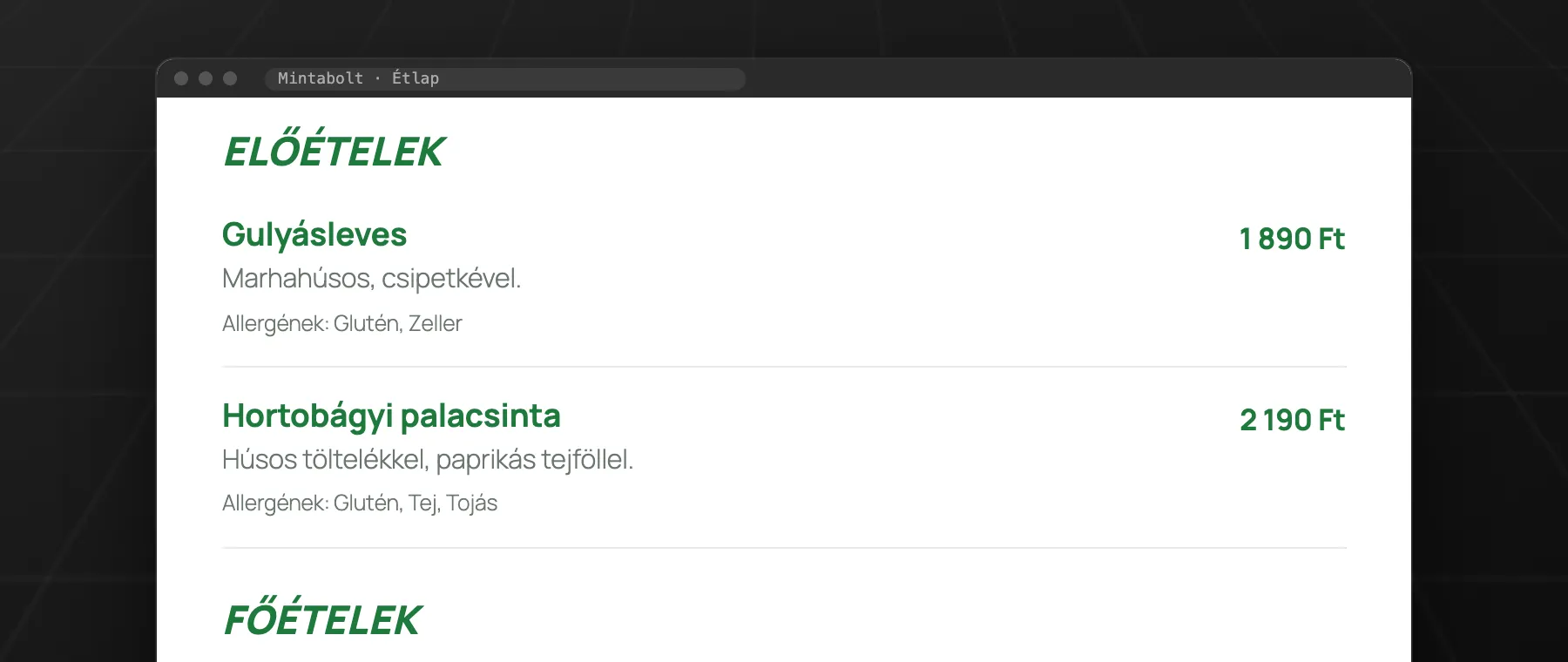
The menu as one managed list: categories, sizes, prices, allergens, loadable from a spreadsheet, in several languages.
Food Menu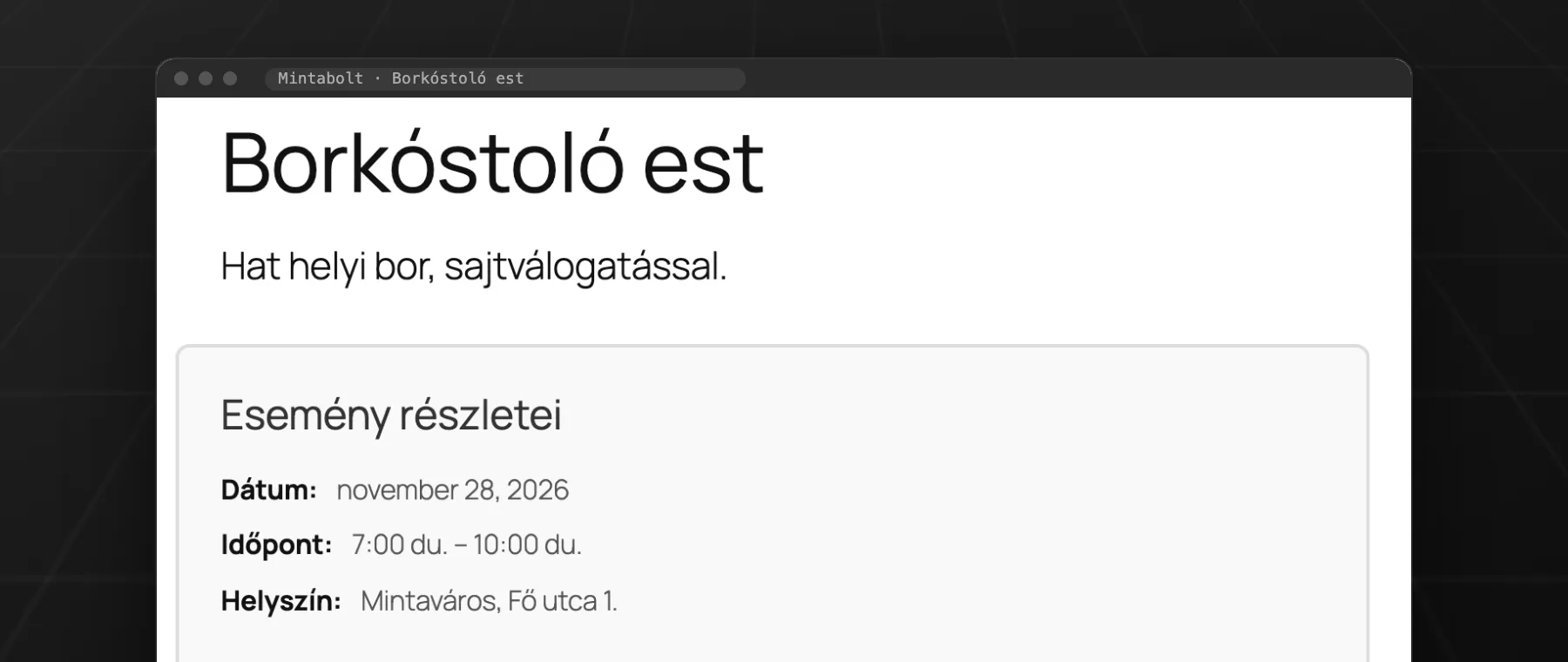
Events & Tickets
Events on your website with several dates, registration and ticket sales through the web shop, and a sales overview.
Events & Tickets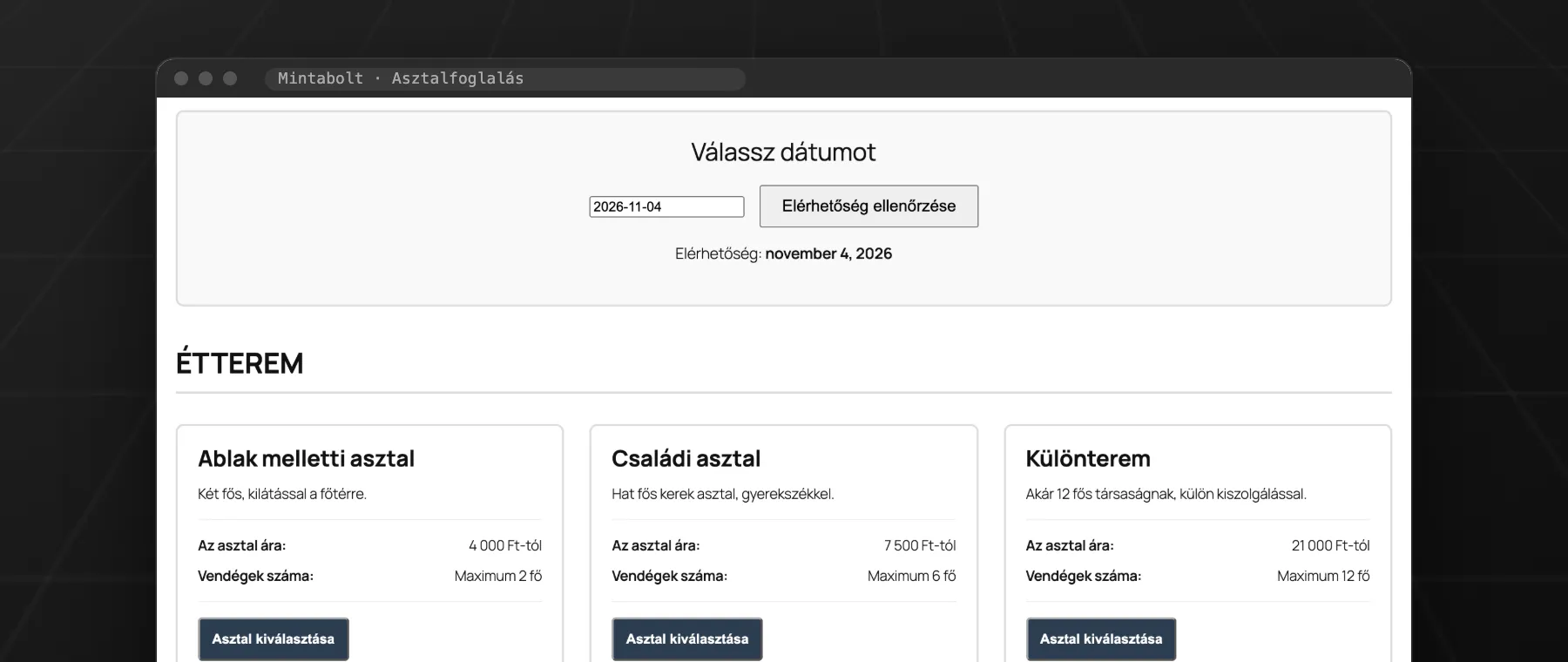
Table Reservations
Guests pick a day and a table, pay per guest in the usual checkout, and the booking stays in the order.
Table Reservations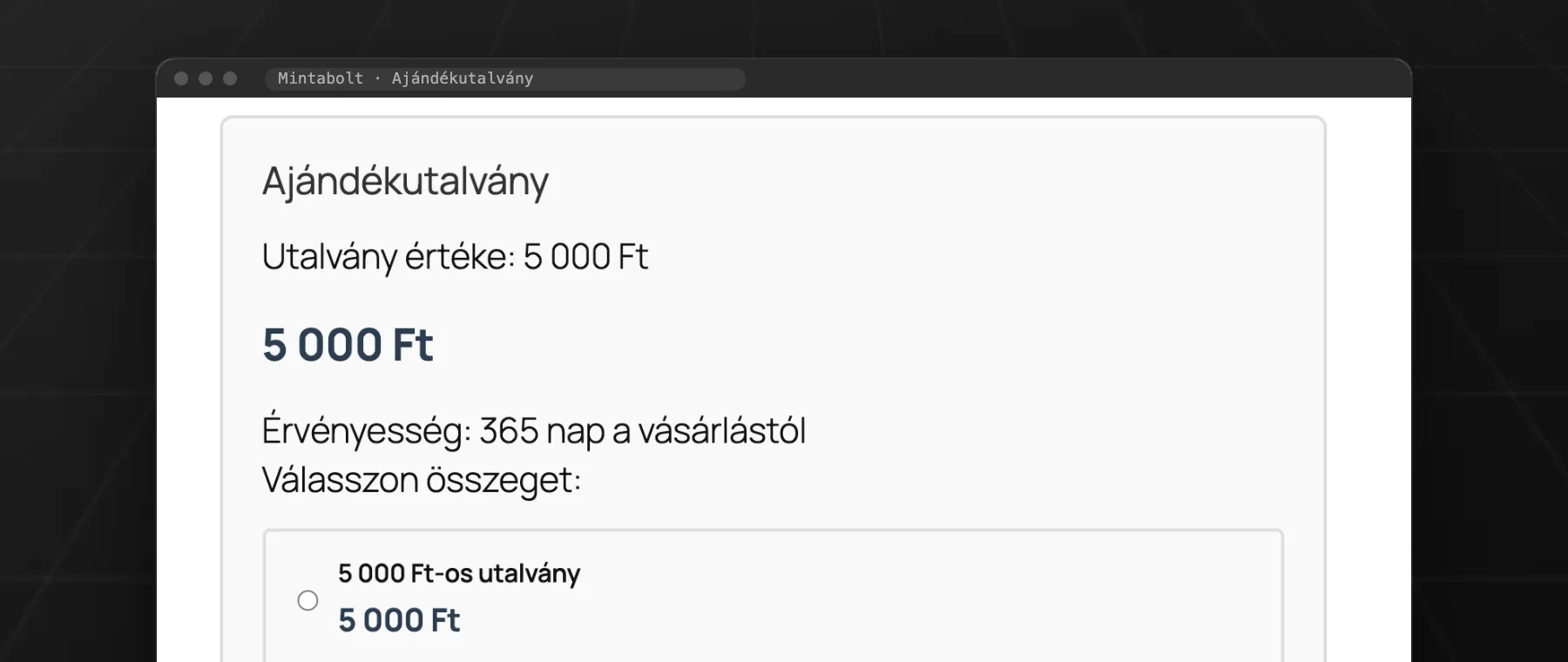
Gift Vouchers
Gift vouchers in your web shop, at a fixed amount or one the buyer chooses, with a validity period and redemption tracking.
Gift VouchersProduct Vouchers
Any product becomes a personalised, printable voucher that reaches the buyer with the order e-mail.
Product VouchersWeb shop: sales and discounts
What brings in more orders and helps shoppers find the product.
Cart Recovery
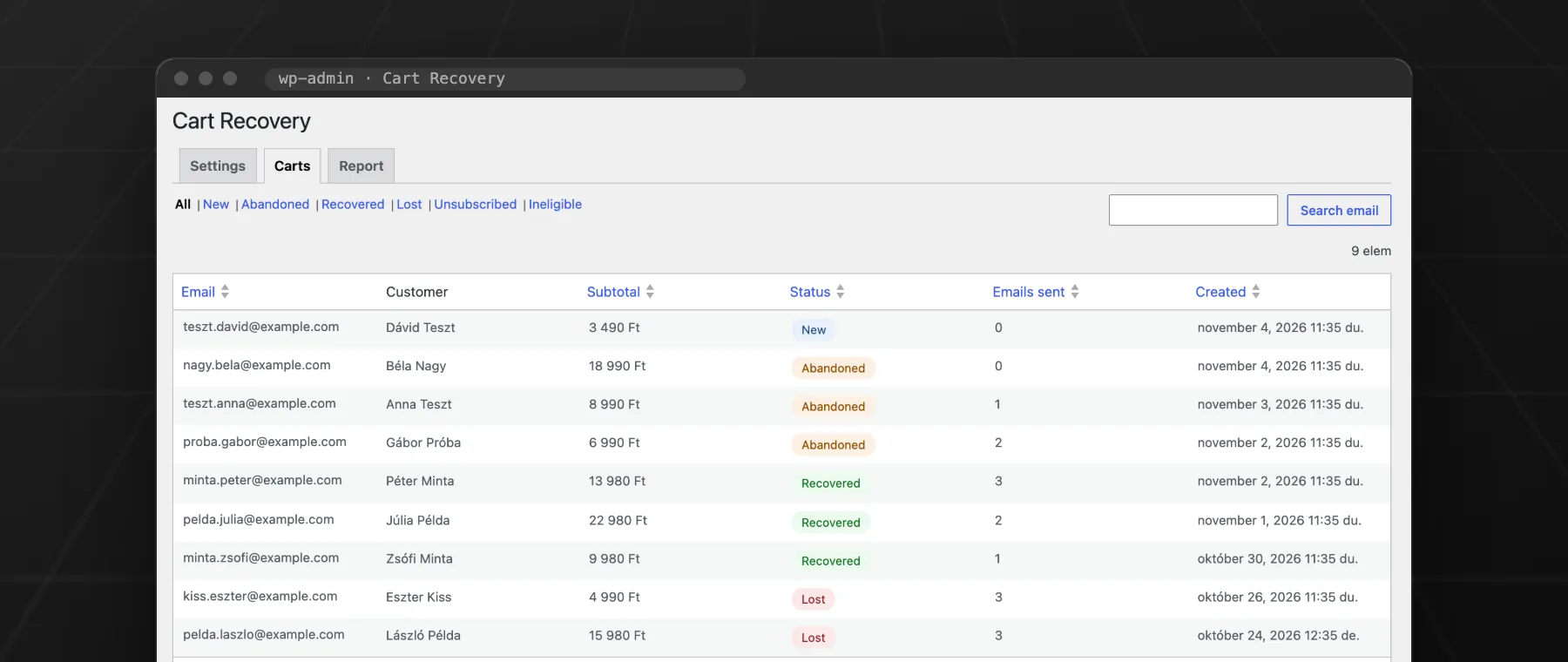
Shoppers who left at checkout get up to three reminders with a direct link, and you see how much revenue came back.
Cart Recovery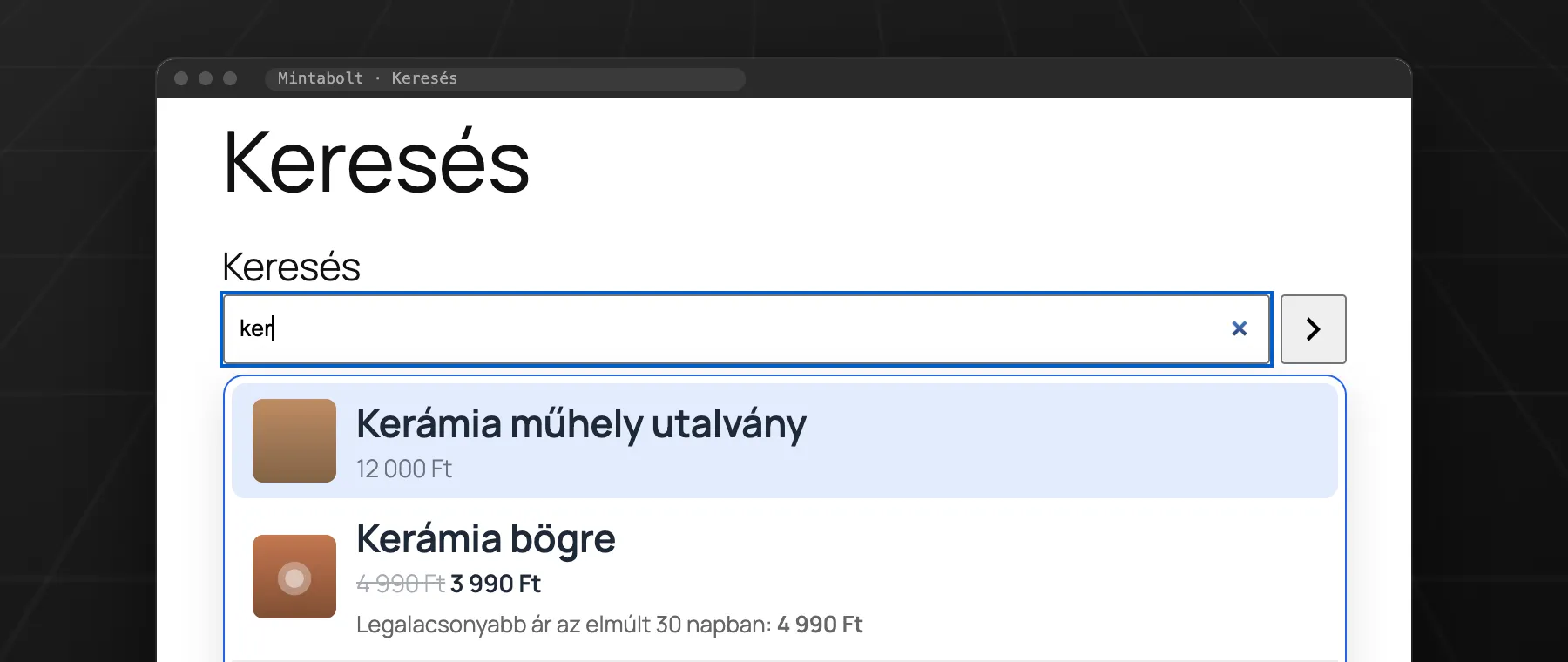
Live Search
Matching products appear while the shopper types, with picture and price, including by item number.
Live Search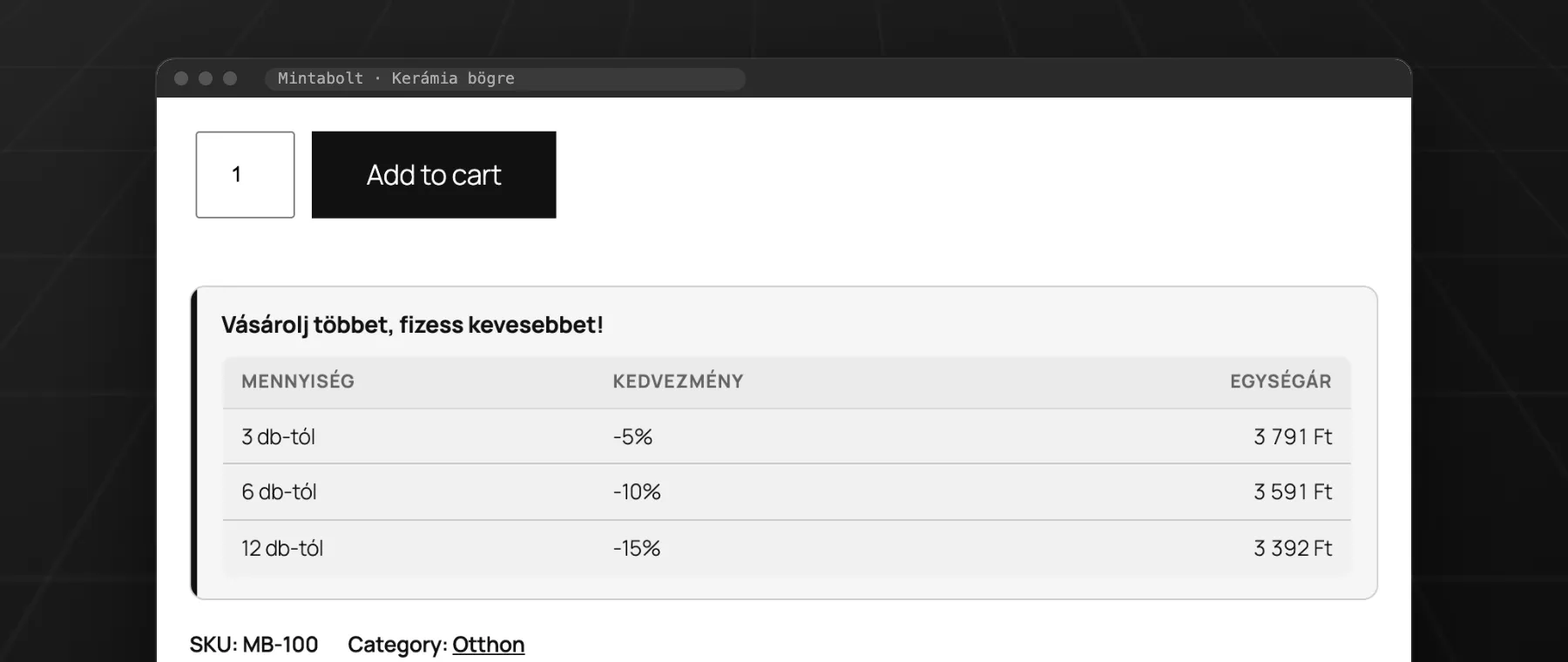
Quantity Discounts
Quantity tiers for products, categories or the whole shop, with a price table on the product page.
Quantity DiscountsSpend More, Save More
The bigger the basket, the bigger the percentage off, and the shopper sees how much is missing for the next level.
Spend More, Save More
Popups
Announcements, promotions and opening-hours changes in a popup, shown at the right moment without pestering visitors.
PopupsWeb shop: delivery, stock, orders
From delivery to warehouse work and an overview of your orders.
Spatial Restrictions
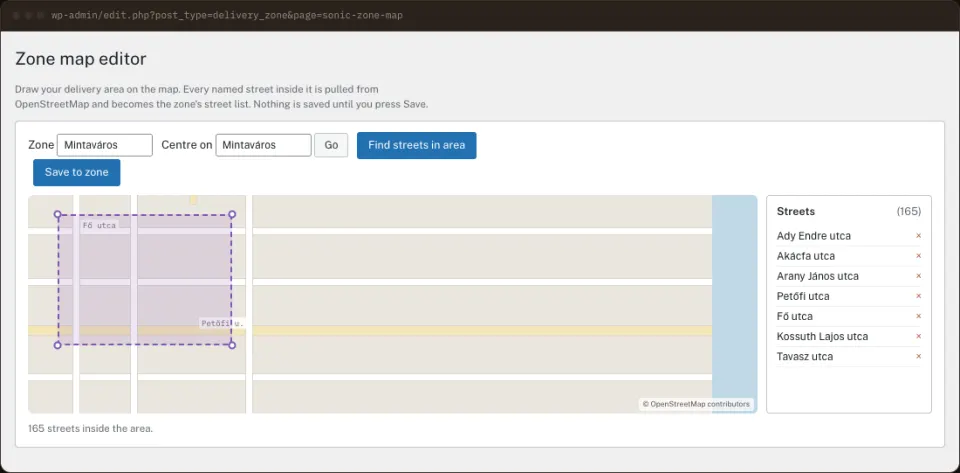
Street-level delivery zones with a fee and a minimum order per zone.
Spatial Restrictions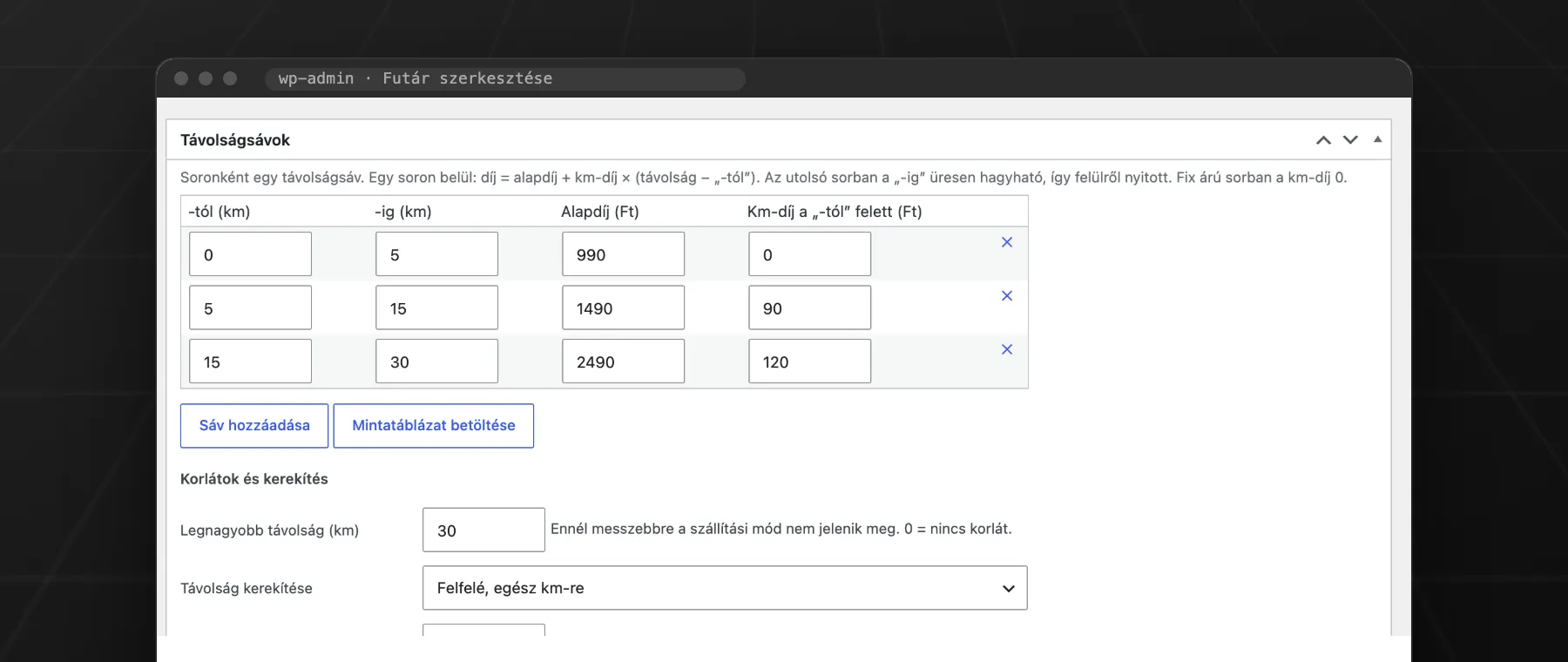
Distance Courier
Delivery is priced by road distance from the courier's starting point, and the courier gets the job by e-mail.
Distance CourierStorage Fees
For orders waiting for pickup: a free period, a reminder e-mail, then a daily fee up to a cap.
Storage FeesWarehouses
Stock in several places, with separate quantities and a processing time in working days shown to the customer.
WarehousesPicking List
Several orders in one picking list: total quantity per product with a per-order breakdown.
Picking ListPurchase History
Every product's edit screen shows who bought it, and the list can be downloaded as a spreadsheet.
Purchase History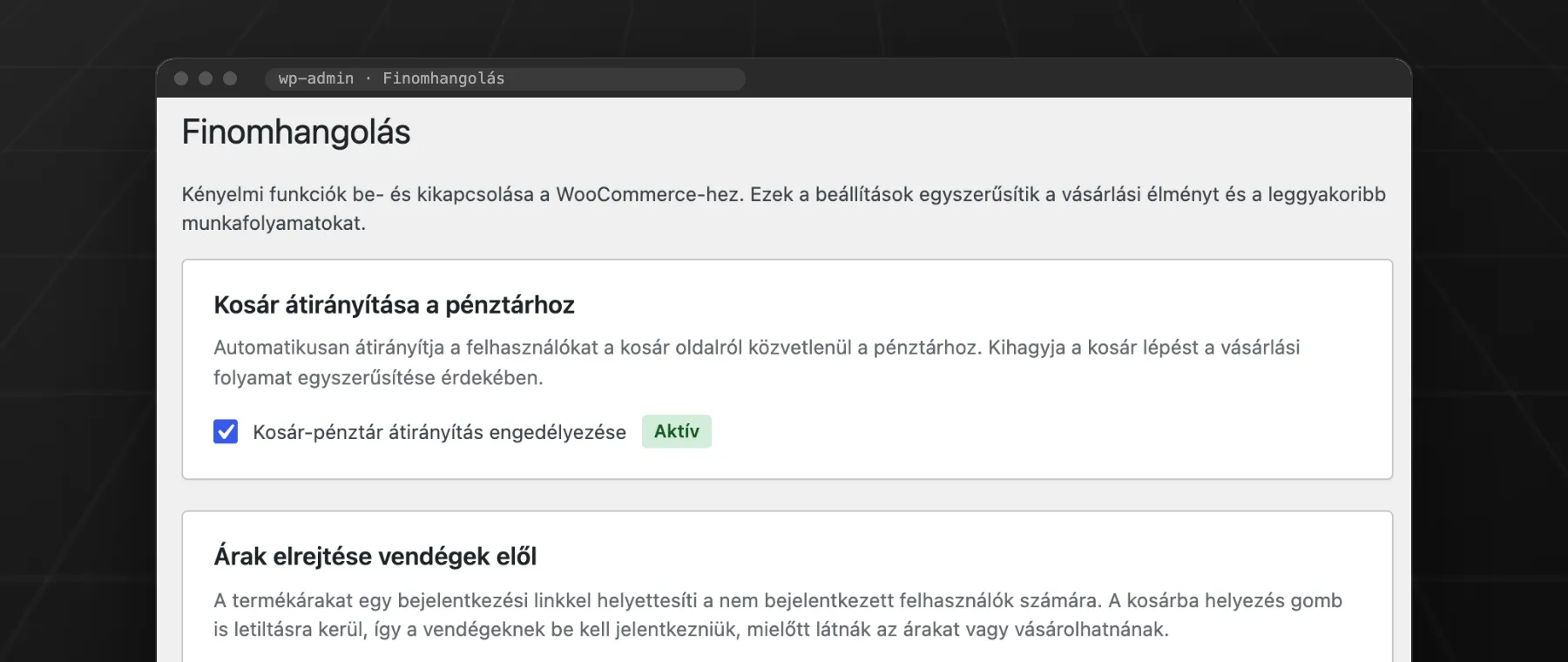
Woo Toolkit
Small, individually switchable shop fixes: local pickup, invoice request at checkout, sitewide sale and more.
Woo ToolkitLegal and compliance
The required parts of a web shop, made simple.
Price History (Omnibus)
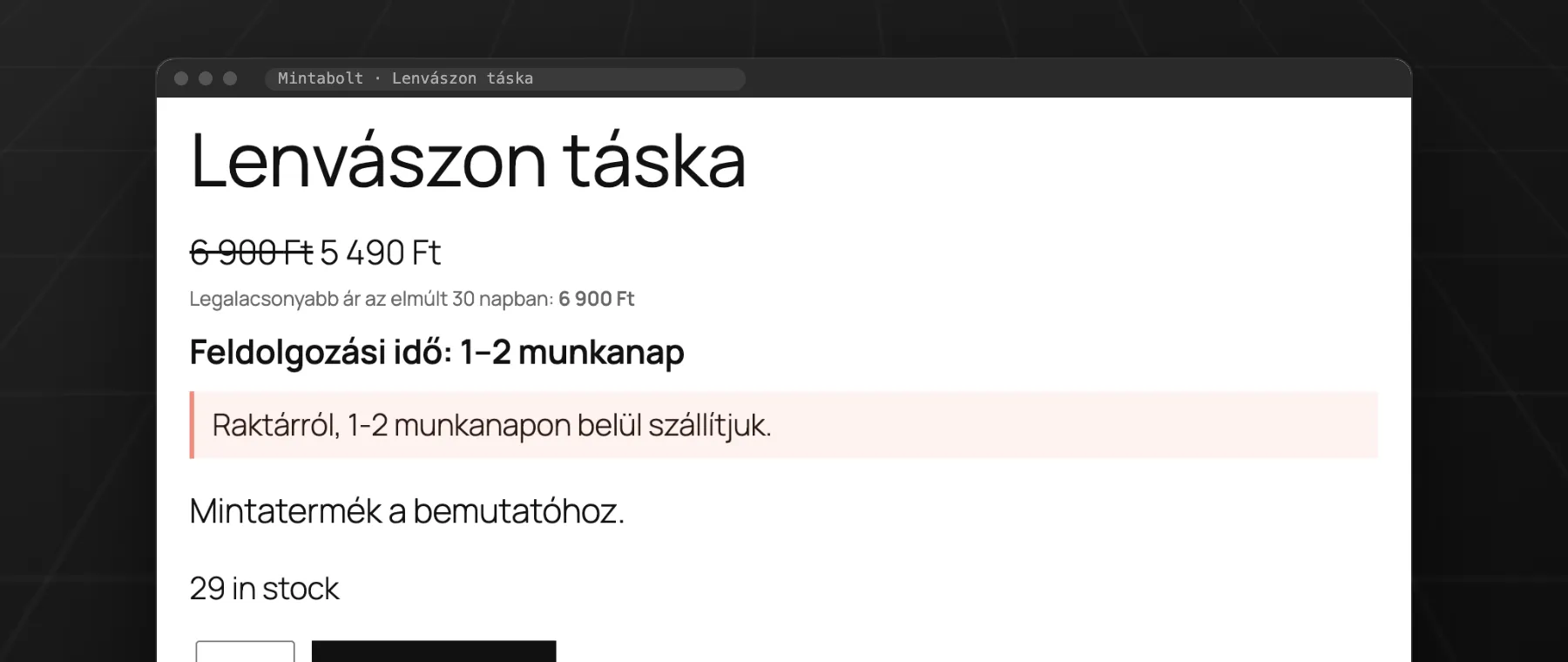
Records price changes and shows the lowest price of the previous 30 days next to a discount.
Price History (Omnibus)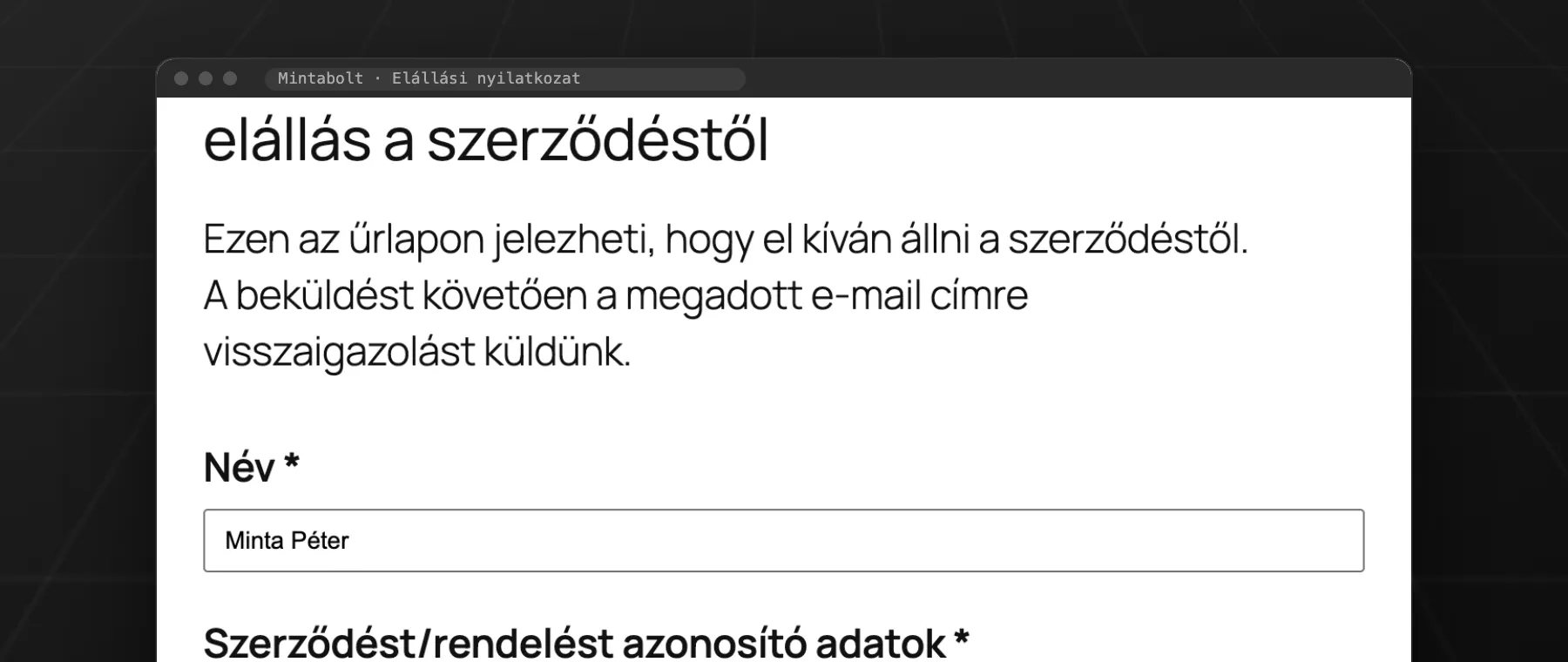
Online Withdrawal
A two-step online withdrawal form, for guests too, with a recorded statement and notifications to the customer and the shop.
Online WithdrawalContent on the website
Fresh content that shows up on the website by itself.
Social Feeds
Your Instagram and TikTok posts appear on the website by themselves, even in one shared grid.
Social FeedsWhat it requires
Let’s put your set together
Tell us what you sell and what you want from the site, and we’ll tell you which add-ons fit.